RevSDL: Schematic-Driven Layout
RevSDL connects schematic and layout workflows in Revolution EDA. It provides persistent schematic-to-layout correspondence and helps designers see and investigate connectivity while placing and routing.
Features
- Update from Schematic…: Incrementally synchronize the layout with a chosen schematic cellview — new devices are added, deleted instances removed, parameters updated, and matching existing layout devices adopted rather than duplicated. A summary reports added, removed, updated, adopted, and skipped counts.
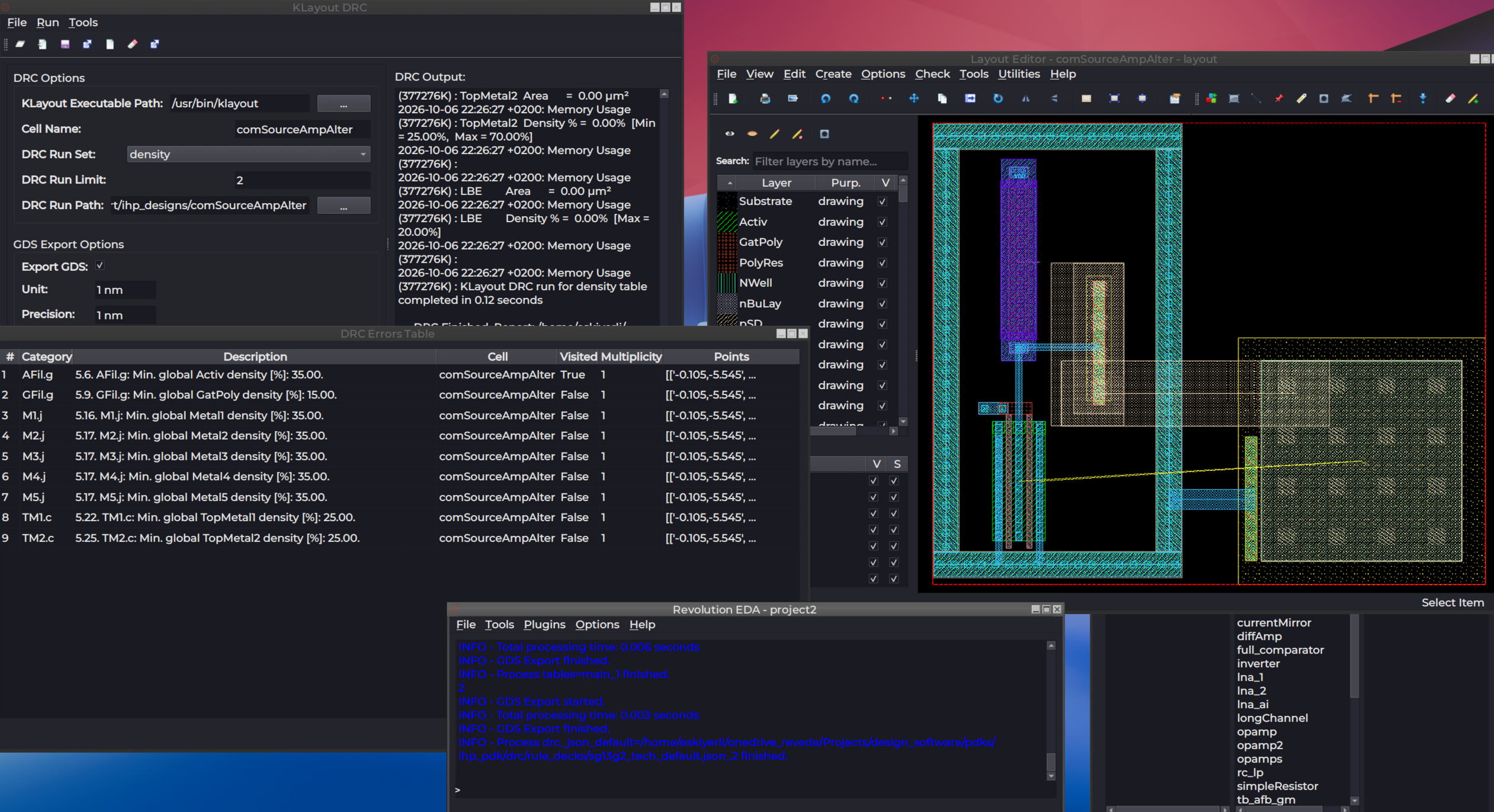
- Flylines: Tools → Show Flylines draws connectivity guides between layout pins and devices based on the synced schematic netlist; Clear Flylines removes them.
- Cross-Probing: Select a net or instance in one view and jump to its counterpart — Tools → Probe in Schematic in the layout editor highlights the corresponding schematic objects, and Probe in Layout in the schematic editor does the reverse.
- Persistent Correspondence: The schematic-to-layout mapping is maintained incrementally as the design evolves, so flylines and probing stay accurate across edit sessions.